Select apps
Choose the apps or categories you want Lockit to manage.
Task-based app access
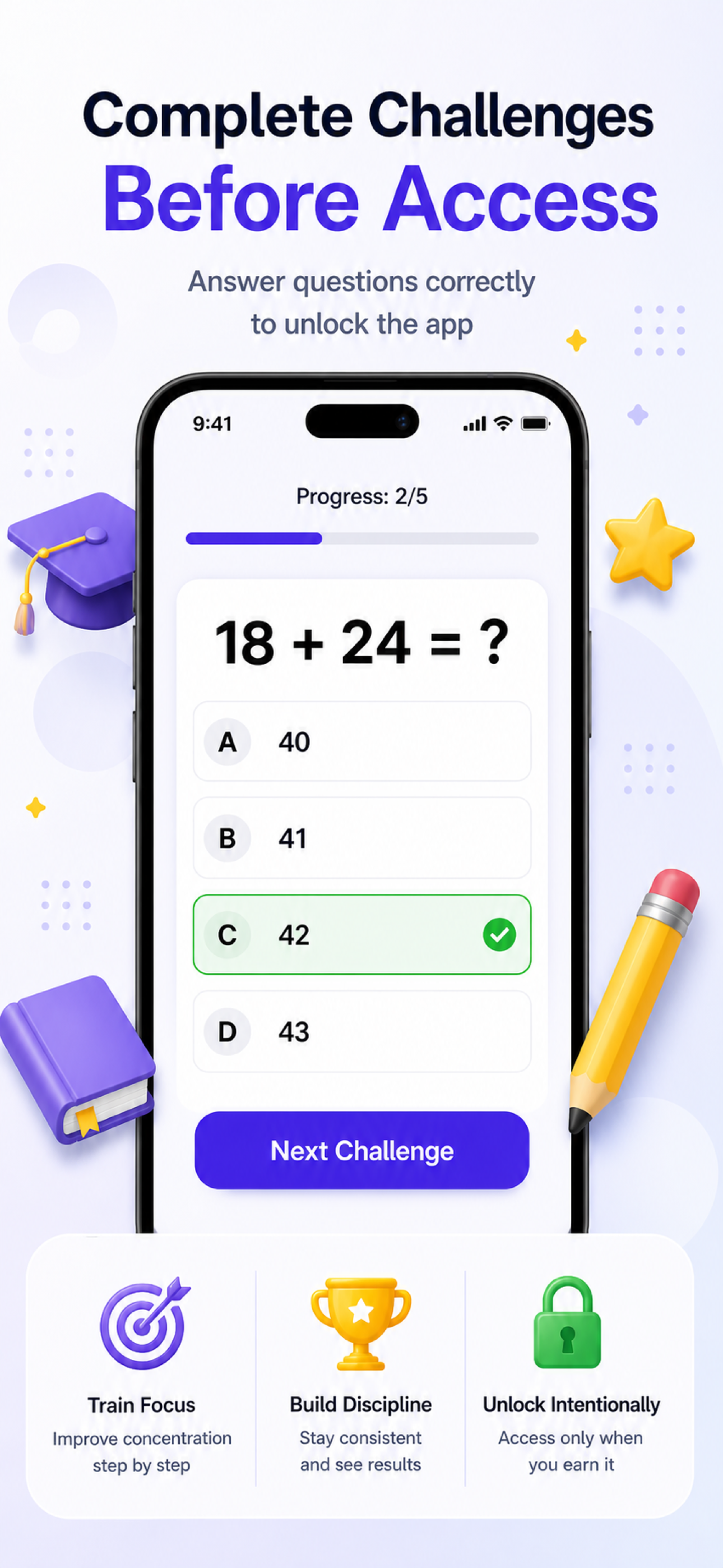
Lockit helps you reduce distractions by requiring a math quiz or your own custom checklist before temporary app access is granted.
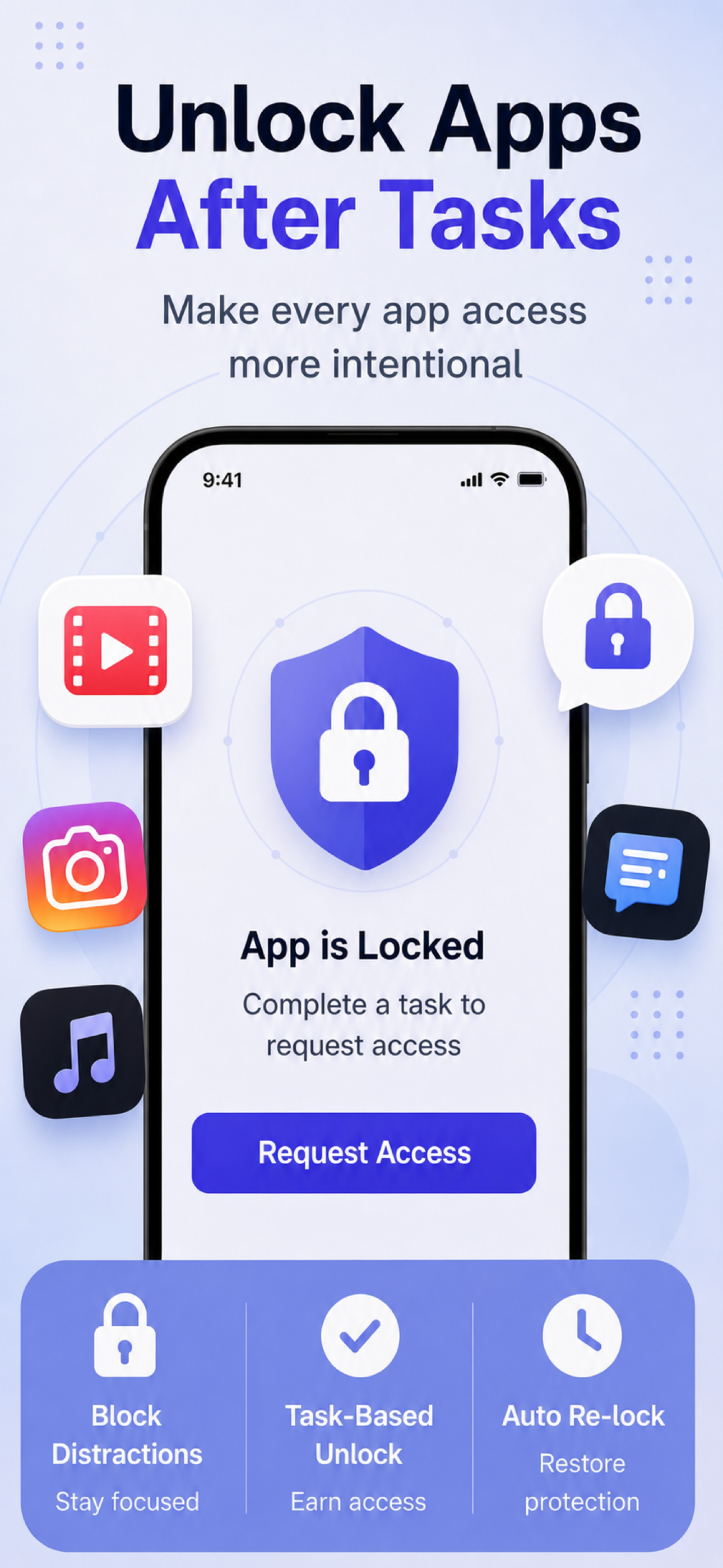
How it works
Choose the apps or categories you want Lockit to manage.
Use a built-in math challenge or create your own task list.
Create control groups, schedules, whitelists, and always-block lists.
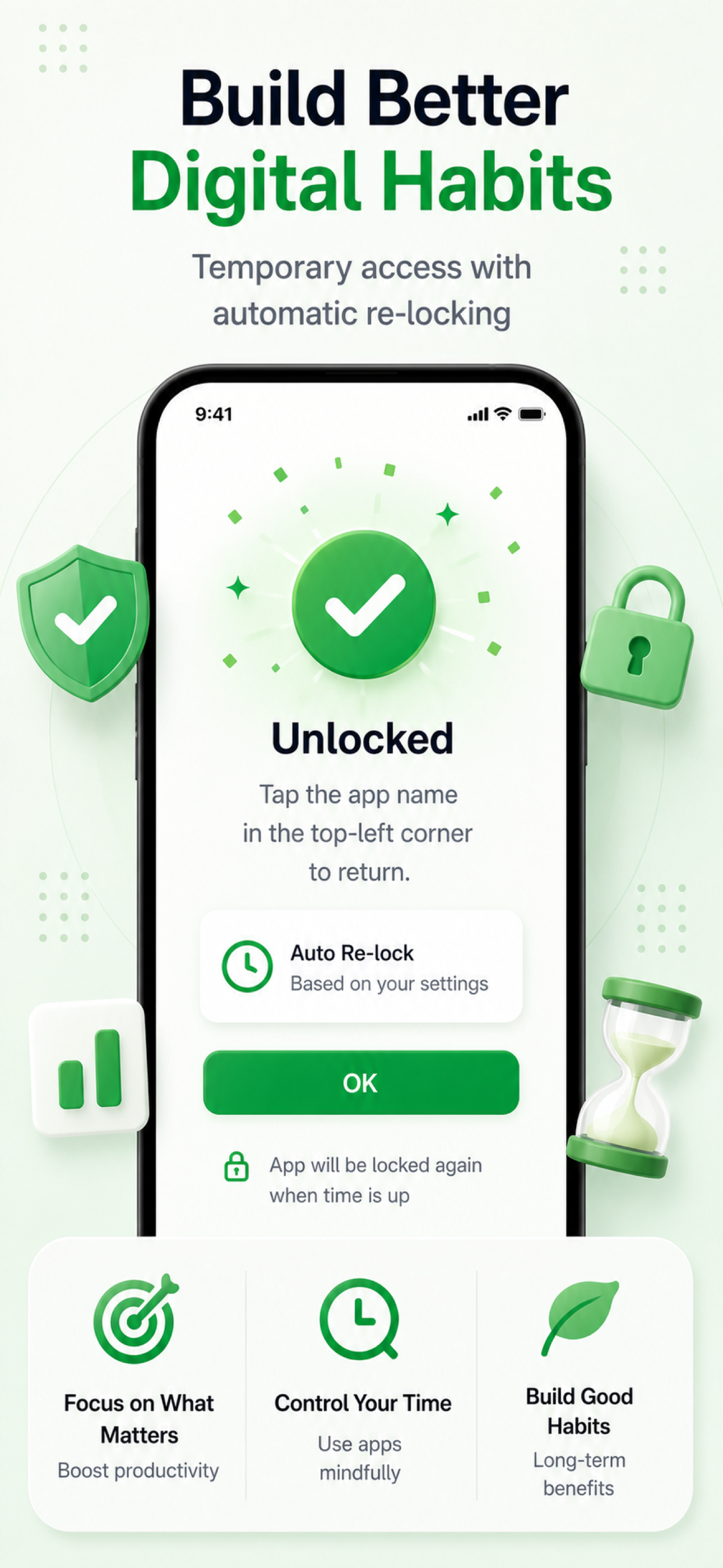
Finish the task, tap the app name in the top-left corner, and return with temporary access.
Designed for focus
Lockit adds a mindful pause between impulse and access. Built-in math tasks are quick and objective. Custom tasks let you confirm real-life routines before opening the apps that usually pull your attention away.
Unlock task types
Answer grade-level math questions before access is granted. It is simple, fast, and useful when you just need a bit of friction.
Create items like clock in, write a daily report, order lunch, or finish a study routine. Choose the options and the answer that counts as done.
Some items can disappear after completion for the current cycle. Others can ask every time you unlock, so the task matches the habit you are trying to build.
Features
Use Apple's Screen Time APIs to apply app restrictions selected by you.
Require math tasks or custom checklists before temporary access is granted.
Create, edit, switch, enable, disable, or delete your own unlock tasks.
Apps return to their protected state based on your settings.
Organize apps into groups and apply rules that match your routine.
Keep essential apps available while restrictions are active.
Export and restore your Lockit configuration when needed. Task progress stays separate.
Privacy first
Lockit does not read content from managed apps. Your configurations, task definitions, and task progress remain on your device. Passwords are stored securely using Apple's Keychain, and biometric authentication is handled by iOS.
Lockit manages restrictions, not your messages, feeds, or files.
Your groups, schedules, custom tasks, and progress are stored locally.
Passwords use Keychain. Biometrics stay handled by the system.
FAQ
No. Lockit does not read content from managed apps.
Yes. You select the apps or categories you want to manage.
The app is unlocked temporarily. Tap the app name in the top-left corner to return.
Yes. You can create custom tasks with multiple items, options, completion answers, and per-item repeat behavior.
You decide. A custom task can require every item to be completed, or it can unlock after all visible items are answered.
Yes. Auto re-lock behavior is controlled by your group settings.
No. Biometric authentication is available when supported by your device.
Build better digital habits